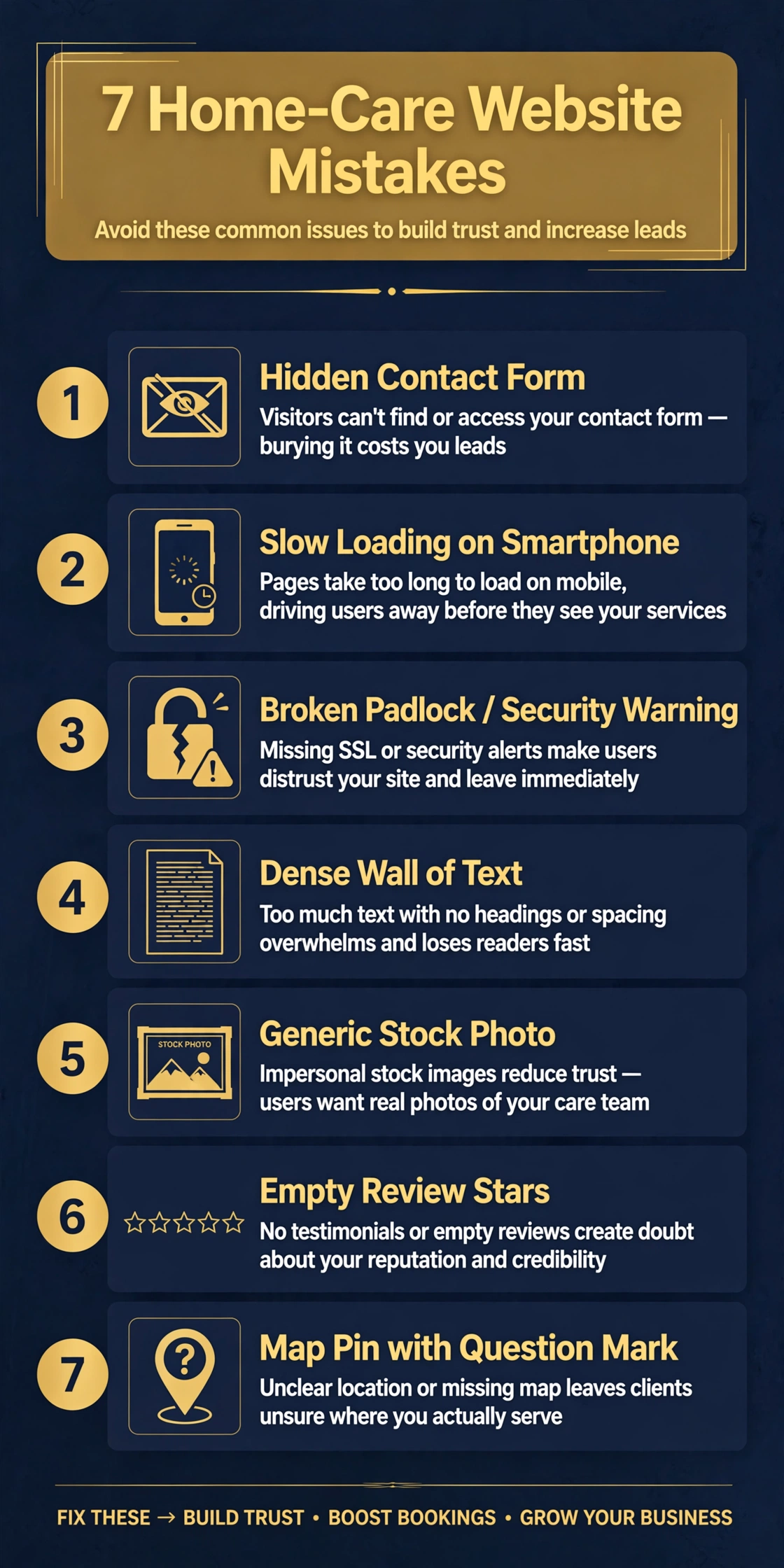
In short: Most home care websites lose inquiries to the same seven mistakes: no inquiry form above the fold, slow mobile load times, missing SSL security, pages of dense text nobody reads, stock photos instead of real caregivers, no visible reviews, and a neglected Google Business Profile. Each one quietly sends families to a competitor. Every fix below is simple, most are free, and agencies usually see more inquiries within weeks.
Your home care website is the first impression most families get of your agency. They are not browsing for fun. They are usually stressed, short on time, and choosing between you and two other agencies. I have worked in home-care operations since 2019 and reviewed dozens of agency websites, and the same seven mistakes keep showing up. Here is what each one costs you and how to fix it.
Picture this. It is 11 pm. A daughter has just learned her father is being discharged from the hospital in the morning and needs a caregiver starting tomorrow. She searches, finds your site, and sees a nice headline. But there is no phone number or contact form on the screen. She would have to scroll to find one. She does not scroll. She hits the back button and calls the next agency, whose number is right there at the top.
A family in crisis will not hunt for your contact details.
How to fix it:
Google’s research found that 53 percent of mobile visits are abandoned when a page takes longer than three seconds to load. More than half of your visitors may never even see your homepage.
Now picture a son sitting in a hospital parking lot on a weak signal, comparing two agencies. Your site shows a blank screen for six seconds while a slideshow loads. The competitor’s site is already up. Guess who gets the call.

How to fix it:
Open your site in Chrome. If the address bar says “Not secure” instead of showing a padlock, you have no SSL certificate. Browsers now warn visitors outright, and some show a full-page warning before the site even loads.
Imagine a family member who has finally decided to fill out your inquiry form. Just as they start typing their phone number, the browser warns them the connection is not secure. They close the tab.
How to fix it:
Research from Stanford found that people form an opinion about a website in about 50 milliseconds. Fifty. Your visitors are not reading; they are scanning for one thing: can this agency help my family?
Now picture the wife of a stroke patient, reading on her phone at midnight. She lands on a page with five long paragraphs about the agency’s history and mission. She cannot find the services list, the service area, or the phone number. She leaves.
How to fix it:
Here is an uncomfortable truth about home care website design: many agency sites use the same handful of stock photos. Families notice. When the same smiling “caregiver” appears on three different agency websites, trust drops instead of rising. Families are inviting someone into their parent’s home. They want to see real people.
How to fix it:
When a family is choosing between two agencies that look similar, reviews decide. The large majority of people now read reviews before contacting a local service, and home care is no exception. If your site shows zero testimonials while a competitor shows twenty Google reviews, the decision makes itself.
How to fix it:
For searches like “home care agency near me,” Google shows a map with three agencies before it shows any website. That map box is fed by your Google Business Profile. If your profile is unclaimed, has no photos, no reviews, and the wrong hours, you are invisible exactly when a family is ready to call.
How to fix it:
The page loads fast, it is secure, the phone number and a short form are visible immediately, the text is scannable, the photos show real people, reviews prove you deliver, and your Google profile makes you findable. None of this requires fancy design. It requires respecting how families actually behave when they need help.
How much does it cost to fix these website mistakes?
Most fixes above are free: SSL, image compression, rewriting text, and claiming your Google profile cost nothing but time. A full redesign of a home care agency website typically runs a few hundred dollars if you hire it out.
Do I need a brand-new website, or can I fix the one I have?
Fix first. The form placement, speed, SSL, and photo changes work on almost any site. Consider a rebuild only if your site is not mobile-friendly at all or runs on software you can no longer update.
How long until I see more inquiries?
Speed, security, and form fixes can lift inquiries within two to four weeks. Google Business Profile and review improvements compound over two to three months. Content changes that help you rank on Google take longer, usually three to six months.
What is the single most important fix on this list?
Make it effortless to contact you. A visible phone number and a short form above the fold, on every page, will do more for your inquiry numbers than anything else here.
If you would like a second pair of eyes on your site, Web Services Logix will build you a free demo homepage for your home-care agency. You only pay if you love it. There is no deposit and no pressure.
About the author: Ahmad Raza is a Top Rated web designer on Upwork with a 5.0 rating across 29 reviews. He has worked in home-care operations since 2019, so he designs agency websites around how families actually search, compare, and choose care.